
BrewCraft
Craft brewery & taproom website with beer list & events
A characterful Django website template for craft breweries, micro-breweries, taprooms and beer-bar concepts. BrewCraft showcases your beers, taproom hours, events, beer-club membership and brewery tours — with a portal for staff to update what's on tap. Includes seasonal-beer rotation, brewery-tour bookings and an events calendar.
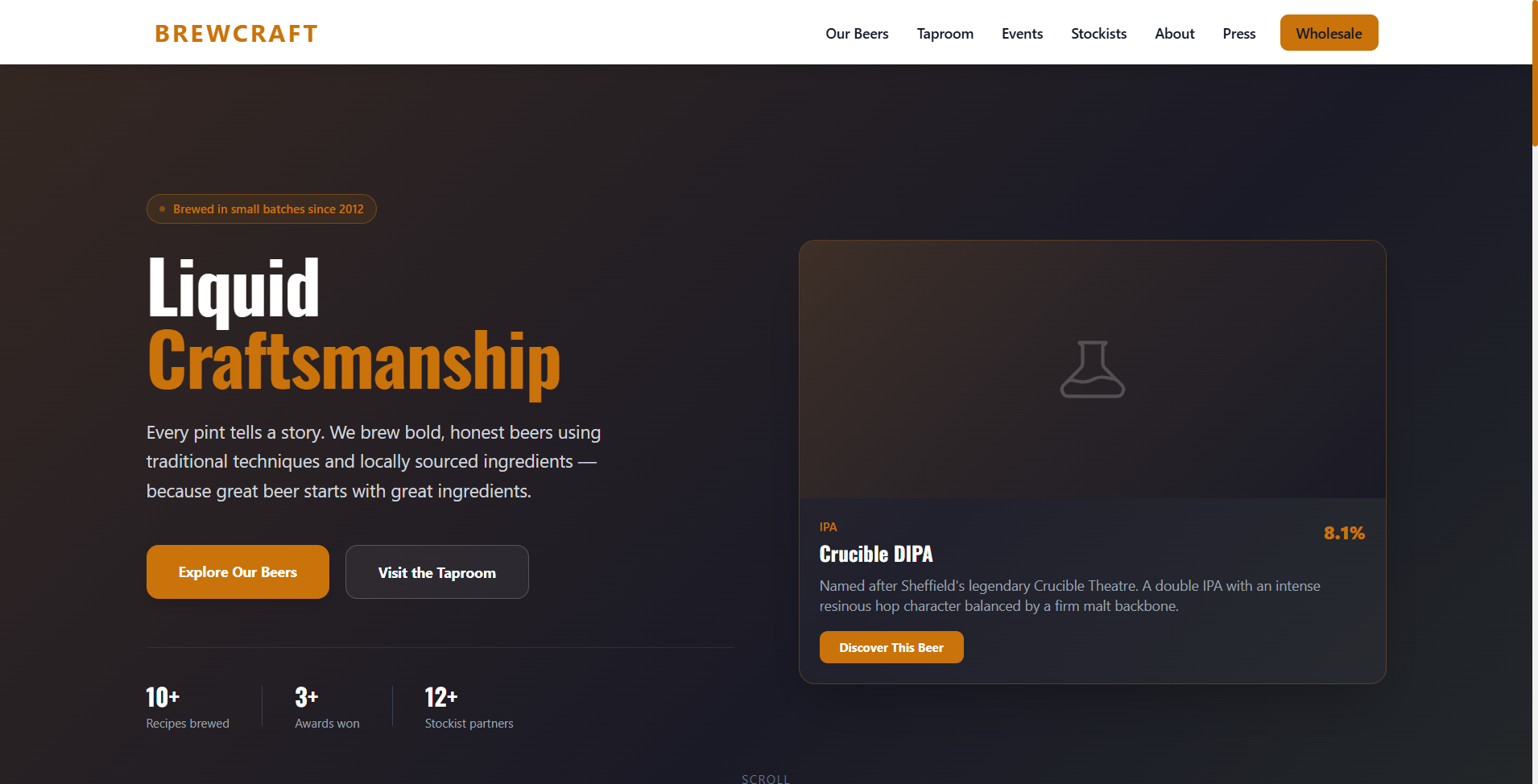
Interactive Preview
Live Preview
This is the actual running application — fully interactive.
Demo data resets nightly. Try the portal →
This template is almost ready
We're putting the finishing touches on BrewCraft. Be the first to know when it launches — drop us a message and we'll notify you.
The Template
About This Template
Best For
Tech Stack
What's Included
Included Portal Features
Full Admin Portal
Manage your entire website from one place
- ✓ Beers
- ✓ On tap (live)
- ✓ Taproom hours
- ✓ Events
- ✓ Tours
- ✓ Beer club
- ✓ Gallery
Your Purchase
What's Inside the Box?
Every template is a complete, production-ready Django project. Here's exactly what you receive — full source code, platform scripts, and everything you need to go live without touching a single line of code.
brewcraft/
├── apps/
│   ├── website/          # Public pages & views
│   ├── portal/           # Custom admin portal
│   ├── accounts/         # Authentication system
│   └── showcase/         # Core app models
├── config/
│   ├── settings/
│   │   ├── base.py            # Core settings
│   │   ├── development.py     # Local dev config
│   │   └── production.py      # Live server config
│   ├── urls.py                # URL routing
│   └── wsgi.py                # WSGI entry point
├── static/                # CSS, JS, brand images
├── templates/             # All HTML templates
├── media/                 # Uploaded files
├── scripts/               # 🚀 Setup & deploy
│   ├── setup.bat          # Windows — first run
│   ├── deploy.bat         # Windows — go live
│   ├── setup_mac.sh       # macOS — first run
│   ├── deploy_mac.sh      # macOS — go live
│   ├── setup_linux.sh     # Linux — first run
│   └── deploy_linux.sh    # Linux — go live
├── manage.py
├── requirements.txt
├── Dockerfile
├── docker-compose.yml
├── .env.example               # Copy & fill your config
└── README.md                  # Full setup guide
One Script. Zero Coding.
Every template ships with intelligent setup & deployment scripts for all three major platforms. Just run the script on your machine — it detects your environment, installs everything, and gets you running in minutes. No terminal expertise required.
Windows — .bat & .ps1
Double-click setup.bat or run it in CMD. No prior experience needed.
macOS — Shell Scripts
Open Terminal, run ./setup_mac.sh. Homebrew, Python, and Postgres handled automatically.
Linux — Smart Shell Scripts
Runs on Ubuntu, Debian, Rocky, AlmaLinux & more. Auto-detects distro, installs Nginx + Gunicorn, configures SSL.
What the scripts do for you
Zero Coding Required — Just Watch the Magic
Run the script for your platform, answer a handful of prompts (your database name, domain, admin email), and sit back. The script connects to your server, uploads the project, configures everything, and hands you a live URL. No SSH expertise, no Nginx config files, no guessing.
Ready to Start?
Get This Template
Start with a 7-day trial to explore the full admin portal, then decide if it's right for you.