
RentWheels
Car rental marketplace with fleet management & online booking
A polished Django website template for car rental businesses, vehicle hire companies and fleet operators. RentWheels handles fleet inventory, vehicle availability, rental bookings, insurance options and customer accounts. The staff portal lets you manage the fleet, set seasonal pricing, track rentals in progress, and process returns. Includes integrated rental enquiry workflow and a clean customer-facing search experience.
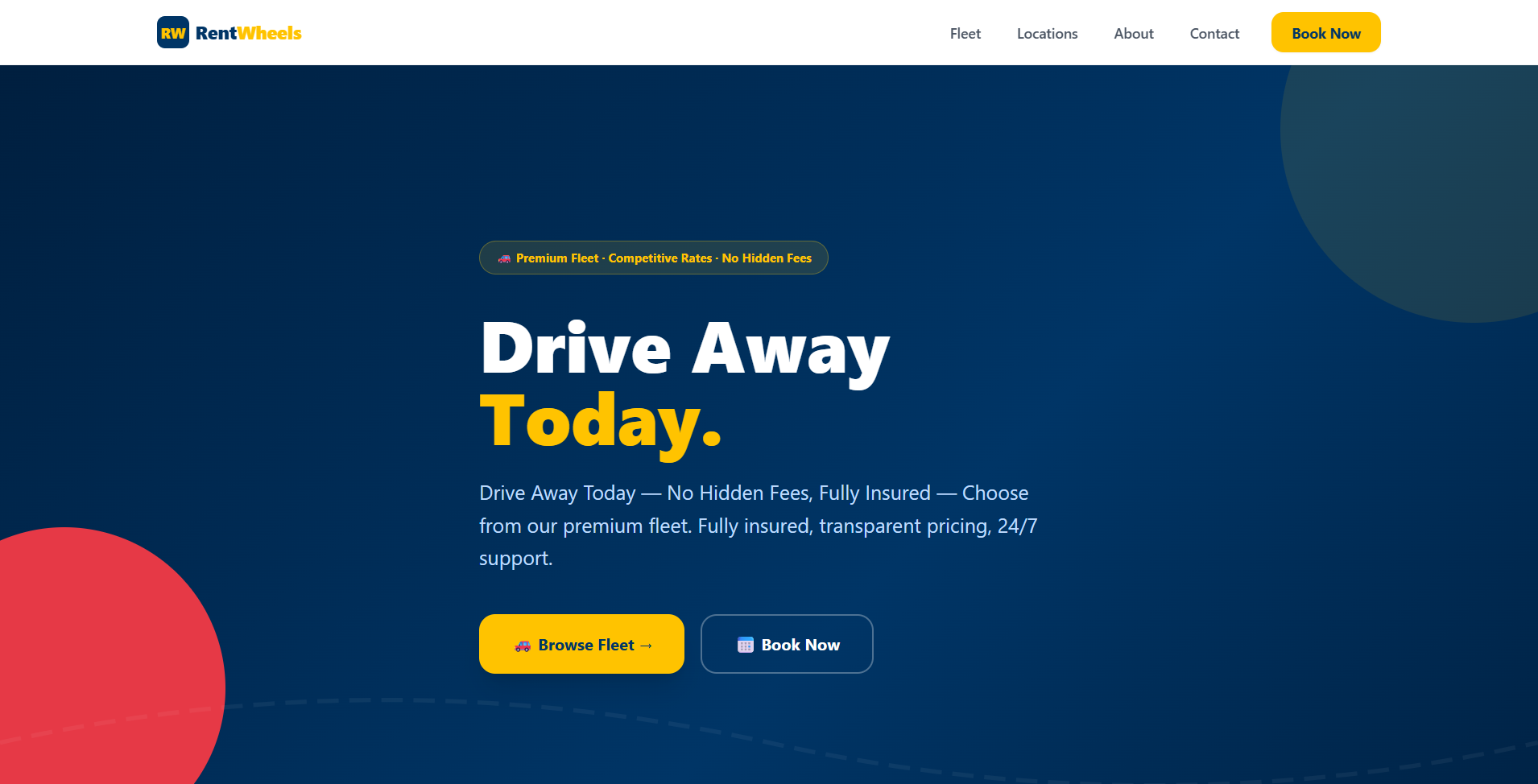
Interactive Preview
Live Preview
This is the actual running application — fully interactive.
Demo data resets nightly. Try the portal →
This template is almost ready
We're putting the finishing touches on RentWheels. Be the first to know when it launches — drop us a message and we'll notify you.
The Template
About This Template
Best For
Tech Stack
What's Included
Included Portal Features
Full Admin Portal
Manage your entire website from one place
- ✓ Fleet vehicles
- ✓ Availability
- ✓ Bookings
- ✓ Insurance options
- ✓ Pricing
- ✓ Customers
- ✓ Enquiries
Your Purchase
What's Inside the Box?
Every template is a complete, production-ready Django project. Here's exactly what you receive — full source code, platform scripts, and everything you need to go live without touching a single line of code.
rentwheels/
├── apps/
│   ├── website/          # Public pages & views
│   ├── portal/           # Custom admin portal
│   ├── accounts/         # Authentication system
│   └── showcase/         # Core app models
├── config/
│   ├── settings/
│   │   ├── base.py            # Core settings
│   │   ├── development.py     # Local dev config
│   │   └── production.py      # Live server config
│   ├── urls.py                # URL routing
│   └── wsgi.py                # WSGI entry point
├── static/                # CSS, JS, brand images
├── templates/             # All HTML templates
├── media/                 # Uploaded files
├── scripts/               # 🚀 Setup & deploy
│   ├── setup.bat          # Windows — first run
│   ├── deploy.bat         # Windows — go live
│   ├── setup_mac.sh       # macOS — first run
│   ├── deploy_mac.sh      # macOS — go live
│   ├── setup_linux.sh     # Linux — first run
│   └── deploy_linux.sh    # Linux — go live
├── manage.py
├── requirements.txt
├── Dockerfile
├── docker-compose.yml
├── .env.example               # Copy & fill your config
└── README.md                  # Full setup guide
One Script. Zero Coding.
Every template ships with intelligent setup & deployment scripts for all three major platforms. Just run the script on your machine — it detects your environment, installs everything, and gets you running in minutes. No terminal expertise required.
Windows — .bat & .ps1
Double-click setup.bat or run it in CMD. No prior experience needed.
macOS — Shell Scripts
Open Terminal, run ./setup_mac.sh. Homebrew, Python, and Postgres handled automatically.
Linux — Smart Shell Scripts
Runs on Ubuntu, Debian, Rocky, AlmaLinux & more. Auto-detects distro, installs Nginx + Gunicorn, configures SSL.
What the scripts do for you
Zero Coding Required — Just Watch the Magic
Run the script for your platform, answer a handful of prompts (your database name, domain, admin email), and sit back. The script connects to your server, uploads the project, configures everything, and hands you a live URL. No SSH expertise, no Nginx config files, no guessing.
Ready to Start?
Get This Template
Start with a 7-day trial to explore the full admin portal, then decide if it's right for you.